
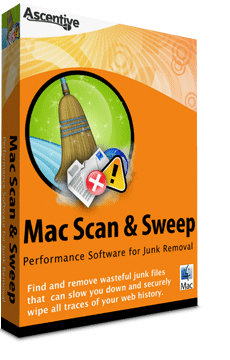
Mac Scan & Sweep
Performance Software for Junk Removal
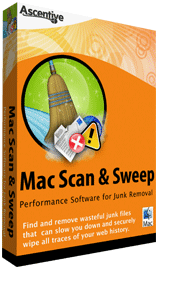
Keep your Mac computer running fast |
Save valuable space on your hard drive |
Keep your personal information secure |
Extremely safe and easy to use! |
Mac Scan & Sweep |
|
| Online Discount | -$10 |
| Total Price | $29.95 |
 30 Day Money Back Guarantee
If you are unhappy with your PC’s results, contact us for a refund.
 |
Clean-up Junk Files with Mac Scan & Sweep
|
In 3 easy steps, sweep away junk files for a faster and safer PC.

1. Download and InstallTry our FREE Free Scan for junk files right now and pay nothing! Click Download Now for FREE above and follow our easy, no hassle set-up. |

2. Scan to Detect Junk FilesMac Scan & Sweep will run a deep scan to reveal all the useless junk files that can make your Mac system run slow. |

3. Clean all Junk Files FoundQuickly clean and refresh your Mac computer by purchasing a 1-year subscription to Mac Scan & Sweep. If your Mac isn't cleaner than before, contact us in 30 days for your money back, guaranteed. |

How to Start your FREE Scan
Click “Download Now for FREE” to download Mac Scan & Sweep. Once the download process is complete, the License Agreement will appear on your screen. Click 'Agree' and follow the directions on how to install and run the application. Double click on the icon in your Applications folder to begin your scan. |
|
|
System Requirements | |||
 |
Minimum System |
Browser Support |
|
|
Compatible with |
1.56GHz Intel Core 256 MB RAM 50 MB free disk space |
Safari, FireFox, Camino, |
|